A managed Copilot program for your whole organisation: an accredited course covering Copilot across Teams, Word, Outlook, PowerPoint and Excel, plus custom exercises and workplace tasks built around your own tools and workflows. So your people know exactly where to use it, and Copilot actually gets adopted.
CPD · CPE · NASBA accredited
A Copilot licence now sits in every Microsoft 365 seat, but a licence is not adoption. The assistant appears right inside the apps people already use, yet most never learn which of their daily jobs it should actually do. Generic training walks through the features; it does not connect them to your work. Kubicle closes that gap by building the training and the practice in the language of your organisation.
The result: training that is implemented, not just completed. A learner finishes knowing exactly which of their weekly jobs Copilot should do, and how to stay accountable for the output.
A Copilot program is never just a course. It pairs our accredited, expert-authored lessons with assets we build for you, so the training reflects the exact tools, documents and workflows your Microsoft 365 users work in every day.
A practical, 12-lesson Microsoft 365 Copilot course, authored in-house and accredited for CPD and CPE.
Short videos that set Copilot in your organisation's context, so learners see their own tools and scenarios, not a stock tenant.
Guided checks after each lesson that test the skill and reinforce it against the work your people really do.
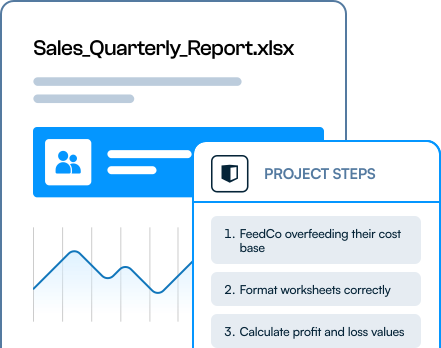
A practical task per milestone that applies Copilot directly to a real scenario in your business, connecting learning to daily work.
Prefer to see the standalone course first? Explore the AI Fundamentals course that includes Using Microsoft 365 Copilot, or see how the full rollout works for AI training across your organisation.
A practical, 12-lesson course that teaches employees how to use Microsoft 365 Copilot across everyday work apps while staying accountable for the output, delivered in three connected modules.
What Copilot is, the two forms it takes and the trust and safety rules, then the prompting habits that make it productive.
The task-focused Copilot inside the apps your people live in, from meetings to spreadsheets, always reviewing the output.
Applying Copilot across a full business process, generating visuals with Copilot Create and building reusable Copilot Agents.
Copilot accelerates the start of work and reduces mental overhead in the apps your people already use. Here is what it does in each, and where your workplace tasks put it to work.
Capture context before, during and after meetings; surface decisions and actions, then push tasks into Planner.
Generate a first draft, review before rewriting, refine selected sections, and control tone and structure.
Summarise long threads, draft and refine replies, and adjust tone before anything is sent.
Turn an existing document into a draft deck, shape the narrative, and work within your templates.
Explore data, surface trends, and use Edit with Copilot for formatting and summary tables, always auditing the formulas.
This is a delivered program, not a course you are left to roll out alone. A dedicated customer success manager runs a proven process, the same one behind our enterprise Microsoft programs.
We align on your goals, tools, roles and constraints, and agree the workplace scenarios worth building around.
We script the context videos, exercises and workplace tasks in your organisation's language, and agree each one with you.
Kubicle produces the custom assets and configures the full learning experience around the accredited course.
You get a sandbox to test and sign off the program before anyone in the wider business sees it.
A limited pilot gathers feedback, we fold it in, and the finished program launches across the workforce.
Scoping the scenarios, producing the assets with you, chasing engagement and staying accountable to the adoption outcomes agreed in discovery. The CS team is how a Copilot rollout actually lands.
Talk to us →
Data safety is the first question every Copilot rollout raises. The program is built around the business version and teaches responsible use from lesson one, so adoption and governance move together.
The recurring theme across every lesson: Copilot reduces mental overhead and speeds up the first draft, but your people stay responsible for accuracy, judgment and what gets shared. Governance and responsible use are built in, ready for the rules that apply to you, whether that is your own internal AI policy, the EU AI Act, or emerging US and global standards.
See how we cover AI governance and the EU AI Act →Copilot means something different to a new joiner, a team lead and an executive. Kubicle maps your people to four AI personas and calibrates the depth of Copilot training to each.
The broad workforce
Confident, responsible everyday Copilot use across Teams, Word, Outlook and Excel.
Operators & team leads
Turns Copilot into a team habit, building agents and driving adoption across a function.
Specialists & senior ICs
Builds custom copilots and agentic workflows in Copilot Studio, integrated into the business.
Leaders & executives
Sets Copilot adoption strategy and owns governance, balancing productivity with risk.
Copilot is one part of a wider program. See the full picture in AI training for employees and AI training for organisations, or compare our ChatGPT and Claude training. Weighing up the options? Read Copilot vs ChatGPT vs Claude for business.
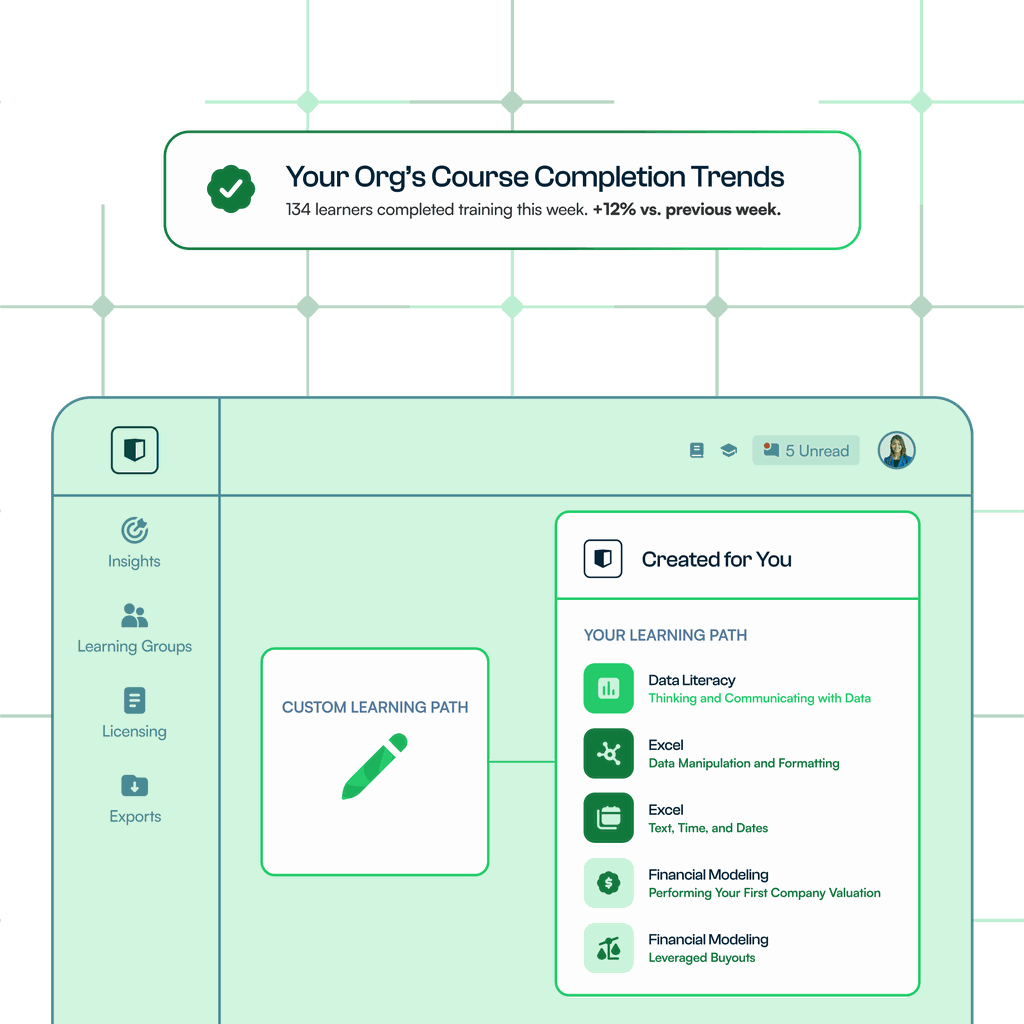
A managed program is built to report. You see completion, applied workplace tasks and skill gain by cohort, team and region, so leadership can tie the Copilot investment to real usage.
Still weighing up a Copilot rollout? Book a call and a program designer will map it to your tools, teams and workplace scenarios.
Book a Demo →Microsoft 365 Copilot training teaches employees how to use Copilot productively and responsibly across everyday work apps, from Copilot Chat to Copilot in Teams, Word, Outlook, PowerPoint and Excel. Kubicle delivers it as a managed program: an accredited course plus custom exercises and workplace tasks built around your own tools, data and scenarios.
The course covers Copilot Chat and Copilot inside Microsoft Teams, Word, Outlook, PowerPoint and Excel, then brings them together across a full business process. It also covers Copilot Create for images and content, and building reusable Copilot Agents to automate repetitive, multi-step workflows.
Generic materials teach Copilot's features. Kubicle builds capability in the tool and then produces training and assets in the language of your organisation: context videos, applied exercises and guided workplace tasks tied to real scenarios in your business. That is how a learner knows exactly where to use Copilot, so the training is implemented, not just completed.
Yes. Alongside the accredited course, Kubicle produces custom context videos, exercises and workplace tasks mapped to your roles, tools, data and ways of working. The program is delivered through a managed process of discovery, scripting, production, configuration and testing, a pilot and a full launch, run by a dedicated customer success manager. See custom learning design for how we build bespoke assets.
The program is built around the business version of Copilot. Copilot only accesses data a person already has permission to see, your data is not used to train Microsoft's models, and learners are taught to review every output before sharing it. Trust, safety and accountability for the output are covered from the first lesson.
The platform goes live in days. Custom assets and workplace tasks are scripted and produced over a few weeks, then configured and tested in a sandbox before a limited pilot and full launch. Most organisations move from discovery to a live pilot within a quarter. Explore the wider rollout in our AI training for organisations program.

A 20-minute call with a program designer: we map Copilot to a real workflow on your team, sketch the workplace tasks we would build, and give you a rollout plan you can put in front of leadership.